Open up for the day
basicA morning checklist to start the day right.
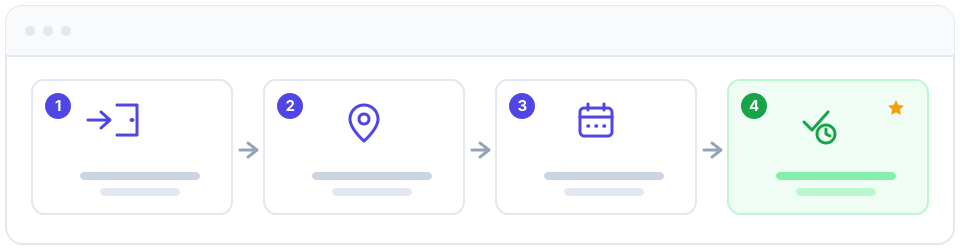
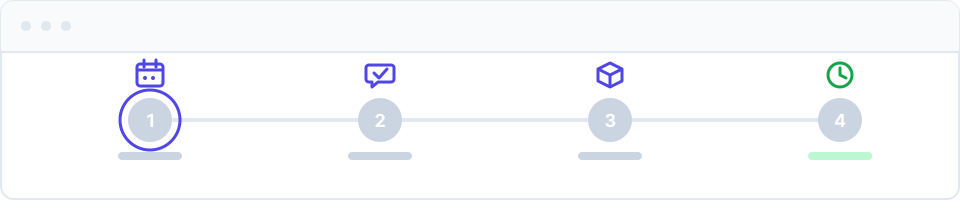
A short, repeatable routine to start every shift with confidence. Running this checklist takes a few minutes and means you walk onto the floor already knowing your bookings, your stock, and what needs your sign-off — no jumping between a paper diary, a spreadsheet, and your inbox.
Your morning checklist
- Sign in. Open Apolaris AI and log in. If you use a magic link instead of a password, request a fresh one and click through from your email. See Signing in.
- Pick your site. If you work across more than one location, switch to the location you're opening today so everything you see is filtered to that location. See Switching site & organization.
- Review today's calendar. Open the calendar and scan today's column: who's booked, with which professional, and where the gaps are. This is your plan for the day at a glance. See Appointments & calendar.
- Confirm appointments. Check that today's bookings are confirmed and reach out to anyone still pending. A quick confirmation now is the single best way to keep your calendar full — see Reduce no-shows.
- Check low-stock alerts. Look at your inventory alerts so you don't run out of a product mid-service. Restock or flag anything running low before the first client arrives. See Inventory.
- Clear pending approvals. Review anything waiting on you — expense approvals, leave requests, or material orders — so the team isn't blocked. See Expenses and HR: team, leave & documents.
- Clock in. Start your own shift in the employee workspace so your hours are tracked automatically. See Employee workspace (Caja).
Make this a habit at the same time each morning. Because everything lives in one place, your "open" routine doubles as a daily briefing — no separate diary, stock sheet, or email check required.
Tips
- Glance at the whole day, not just the next hour. Spotting a double-booking or a long gap early gives you time to fix it.
- Confirm early. Reaching out at opening time, not midday, gives clients room to reply and rebook.
- Don't ignore the red alerts. A low-stock warning at 9am is easy to solve; the same product running out at 2pm is not.
- Clock in every shift. Accurate clock-in times feed straight into Payroll, so there's nothing to reconcile later.
Need more detail on any step? Each line above links to its full guide. New to the platform? Start with Dashboard & navigation.