Business performance, goals and rewards
basicSwitch between bookings and sales, review cameras, and pursue goals tailored to your business.
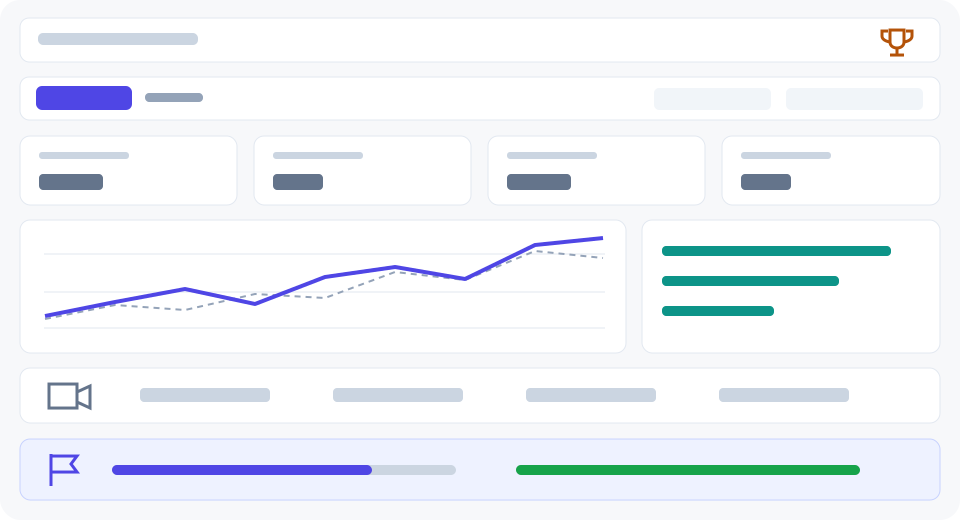
The dashboard brings performance, camera evidence and monthly goals together, in that order. Managers and users with the View reports privilege can open it. Every figure respects their organization and branch access.
Choose your performance view
Use the compact controls near the top of the page. They remain available on mobile and while you scroll.
- Switch between Bookings and Sales. When appointments exist but no sales are recorded in the period, the dashboard starts with Bookings.
- This Month: This Month includes today. Comparisons use the immediately preceding period of equal length.
- Last 7 complete days / Last 30 complete days / Last 90 complete days: The selected period ends yesterday in the business timezone. Comparisons use the same number of complete days immediately before it. Today and monthly missions are separate live snapshots. Missing comparison history is shown without a percentage.
Expand the daily-values table below the chart to inspect exact figures. Refresh the page to fetch current records; it does not refresh automatically. A missing comparison baseline is shown without a percentage.
Understand performance before acting
Bookings shows scheduled, completed and cancelled appointments, plus the no-show rate. Unresolved statuses are not treated as completed. Fewer than 20 recorded attendance outcomes produce an insufficient-evidence message, not a reassuring zero. The rate is no-shows divided by completed appointments plus no-shows.
Sales shows recorded sales, paid-sale count, average sale and amounts awaiting payment. Recorded sales include paid and pending payments; failed sales, refunded sales and tips are excluded. Average sale divides recorded sales by the sale count. Sales less recorded expenses is not net profit: unrecorded costs and payroll accruals are excluded.
Dates follow the organization’s business calendar. Payments are grouped by sale date, not bank settlement date. A booking fixes the location; unbooked sales use the employee’s single current location, otherwise they stay unassigned. Includes all appointment statuses. Extra services in the same visit are not counted here.
Review camera evidence
If cameras are enabled, the next panel separates confirmed doorway observations, confirmed inferred arrivals and arrivals under review. Crossings may include staff and unidentified visitors; they are not unique customers or sales conversions. Enabled cameras describe configuration, not live connection status.
Adjust your monthly goals
Open the goal editor beneath your missions. Enter a positive sales target and a positive whole-number completion target, then save. The editor expands inline; saving updates the cards without leaving the page. Validation errors remain beside the fields.
Goals cover the current calendar month, including today, regardless of the comparison period above. Personal edits apply to your account and selected locations and take precedence over suggestions.
How goals adapt
The first visit prepares defaults from the 90 complete days before this month. Targets stay fixed for the month. Business type changes the tracks: retail and food businesses use sales, buyers, itemized receipts and payment settlement instead of appointment goals.
When available, your local Copilot prioritizes supported tracks and suggests a modest increase. It cannot invent results or award trophies. While recommendations are being prepared, measured defaults remain visible. If AI is unavailable, those defaults still work. A business without enough history gets starter goals; a monetary target is not invented without sales history. You can enter your own target.
Collect business rewards
Open the trophy beside Messages, or follow the rewards link from your missions. Start with Your next goals: up to three unfinished milestones, the amount remaining and a practical next step. Reached milestones are skipped automatically. The full collection starts collapsed; expand it to browse one category at a time or filter awards. Unearned awards are gray, ready-to-collect awards are green, and collected awards are gold. All 100 milestones remain available.
Each card shows its requirement and progress. Collect earned rewards to save the measured result and target behind them. The server checks the data; repeated clicks do not create duplicate awards. Quality rewards require enough evidence: 10 ended appointments for sales-record completeness, or 20 known attendance outcomes. Retail uses the corresponding sales sample.
The collection is private to your account and branch selection. A new month starts a new collection; earlier award snapshots remain stored. Changing targets changes current requirements, but does not rewrite evidence behind awards already collected.
See Dashboard and navigation and Analytics and Data Explorer for related tools.